
It's Severe Weather Time Again
Displaying severe weather alerts is a must for any dashboard. The Weather Alerts Card is a super simple way to do this in Home Assistant.
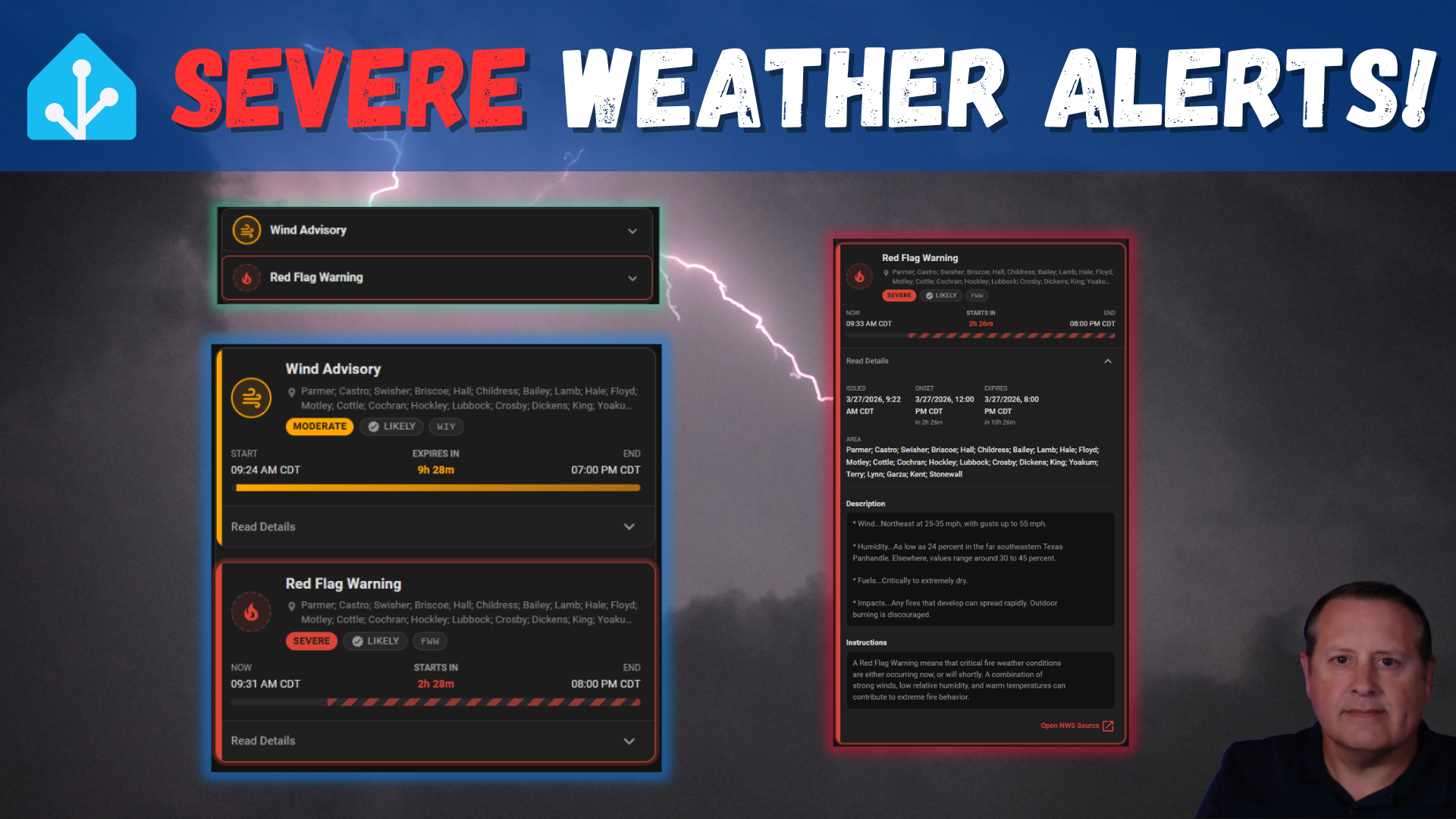
This time of year where I live is the start of severe weather season. This means the potential for severe thunderstorms, hail, strong winds, etc. This is not an official "season" per se, but is the time of year when the potential for those events increases.
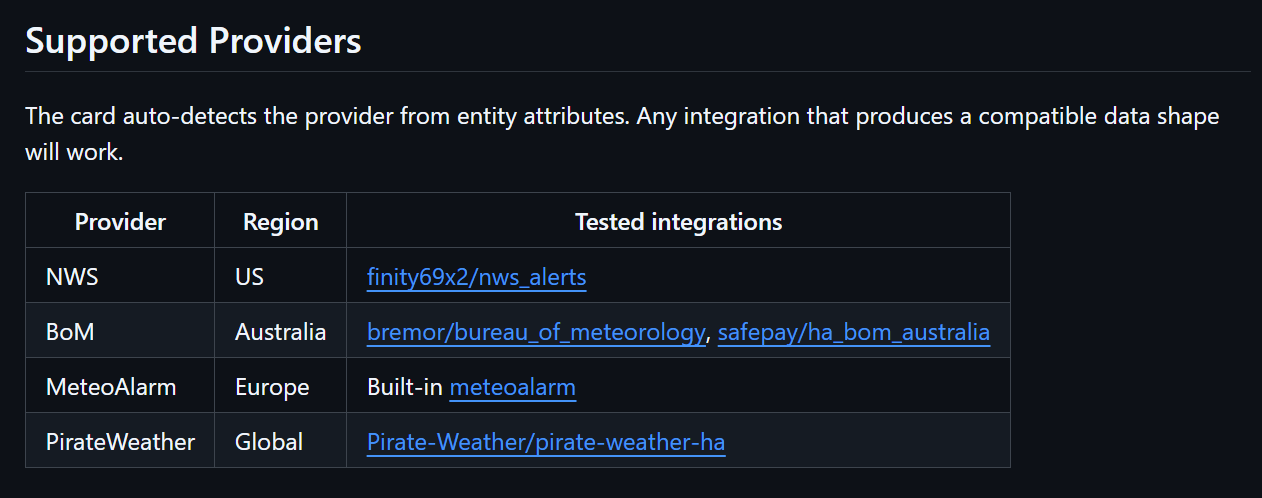
I am in the US so I am using the NWS Alerts integration to get alerts from the National Weather Service.
To use the alerts in my dashboards, I created some template helpers in order to display up to three different alerts at the same time in case it gets busy and the NWS issues multiple alerts. The helpers use the state attributes from the sensor.nws_alerts entity and parses out the event text.
{{ state_attr('sensor.nws_alerts','Alerts')[0]['Event'] }}
On my dahsboards, I added tile cards with a visibility condition to only show the alert(s) when there is actually an alert.
type: tile
entity: sensor.nws_alert_text
vertical: false
features_position: bottom
visibility:
  - condition: state
    entity: sensor.nws_alert_text
    state_not: unavailable
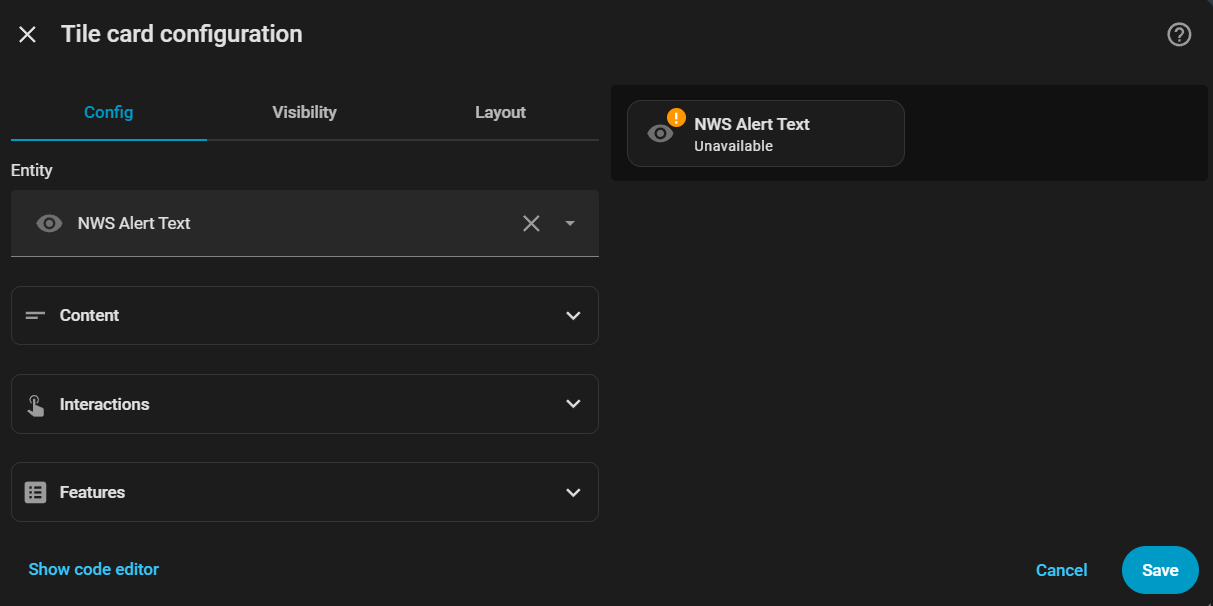
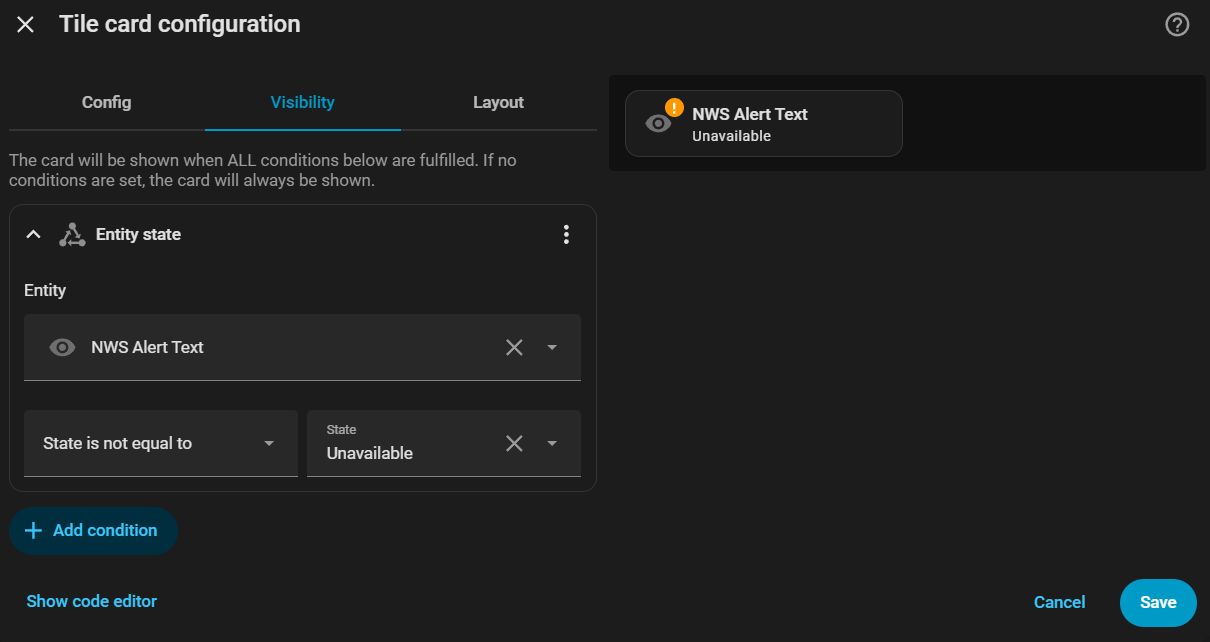
Tile Card configuration and visibility settings

There are a number of limitations to this method. First, I only see the short text title of the alert with no details. I can't see the duration of the event, and the colors are all set to what I hard coded the card to. Additionally, in order to see the text of the alert, I have to go to either a weather app or a web browser and look up the full text.
I could fix some of this myself by adding some additional logic and detail but I was just looking for some basic awareness and then I'd go get details elsewhere. I just never got around to making it better...and now I don't have to!
Enter the Weather Alerts Card
When I updated the nws_alerts integration recently, there was a note that no changes were made to the integration itself other than to make it work with the Weather Alerts Card. I figured I would take a look at this card and what I discovered is that it ticked a lot of the boxes that would make alerts so much more useful.
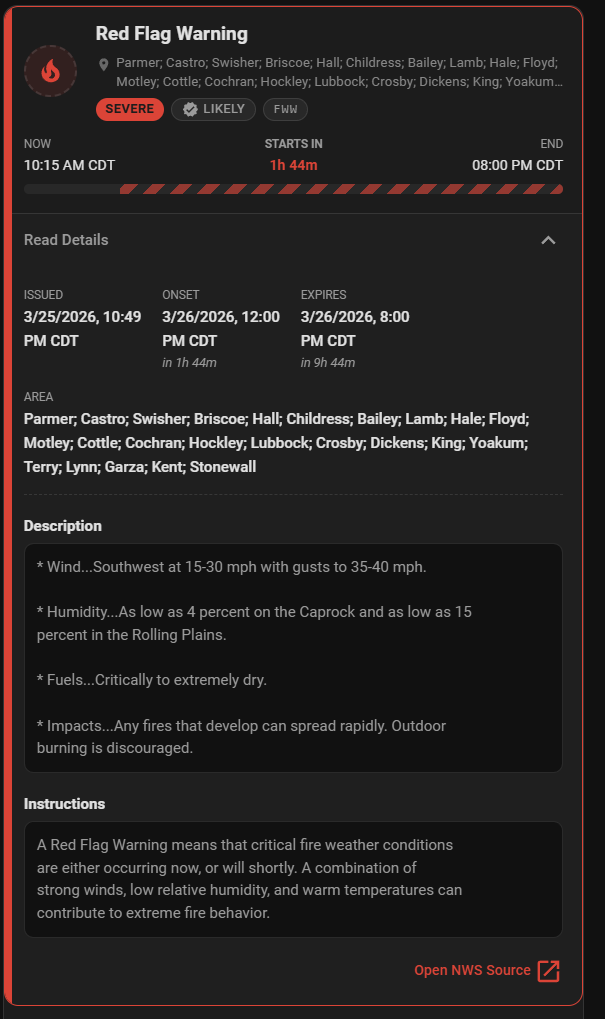
The first big thing is that this card parses the alert(s) and creates cards for each alert. This removes the need for me to create separate tile cards for each alert. It gives me more detail, including times the alert is in effect as well as the areas included in the alert. It also color codes the alerts based on severity.
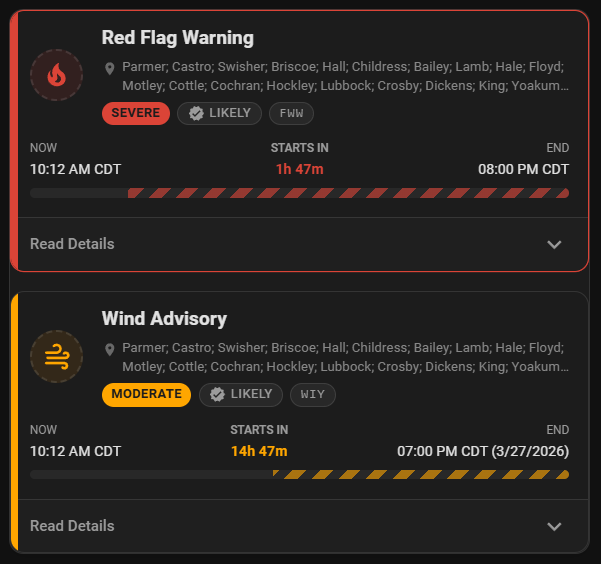
Clicking the "Read Details" drop down on the card provides all the text that is part of that alert.
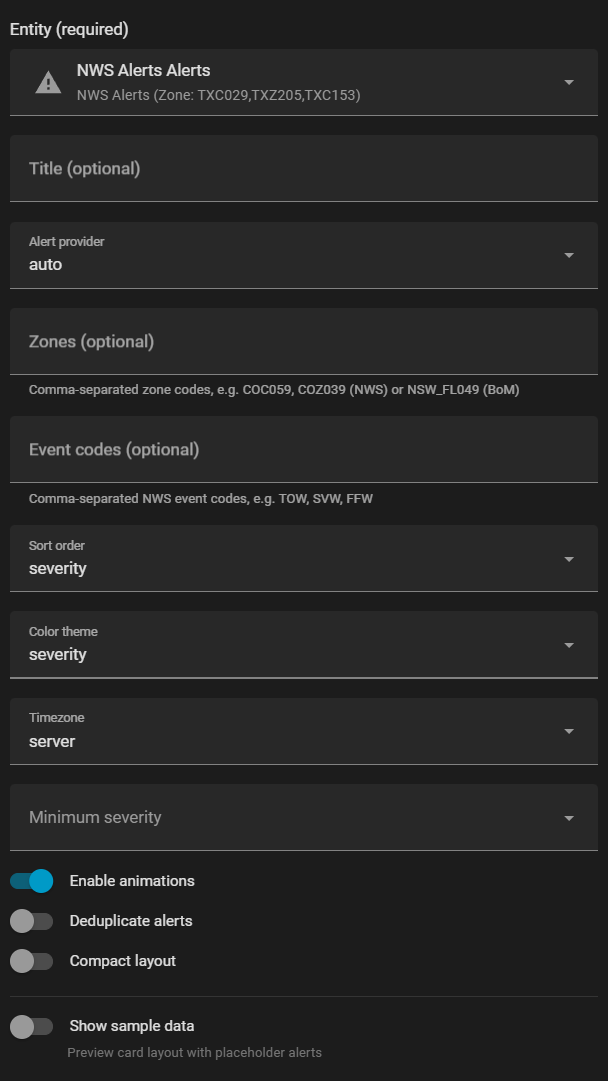
There are a number of configuration options available. One that is quite useful for smaller or mobile dashbaords is the ability to select Compact Layout. You can also set the sort order, color scheme, and minium severity level of alert to display. You can also filter on what types of events you want to display. As of this writing, the type filter is "inclusive" rather than "exclusive" so if you add anything to the filter, you have to add all the types you want to display.
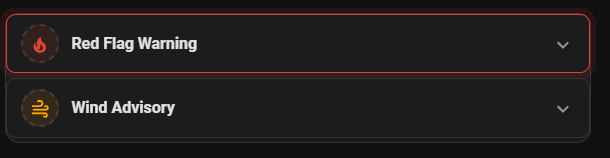
If you choose compact mode, you get a card with only the title of the alert. You can drill down into initial details and then full text.
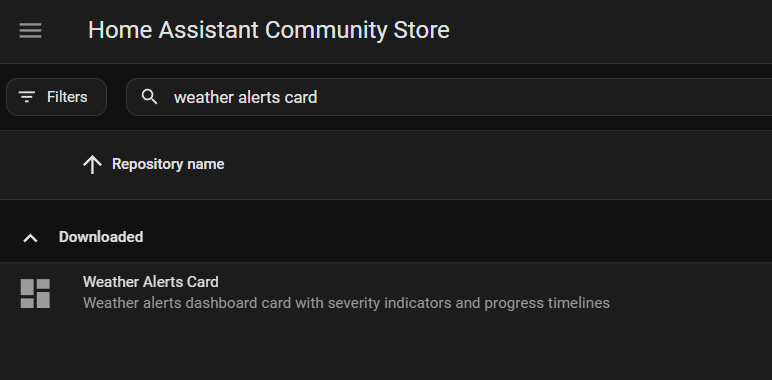
Installation of this card is simple using HACS. Simply go to HACS in Home Assistant, search for "Weather Alerts Card", and download it. As with any install, you might need to do a hard refresh of your browser after install.
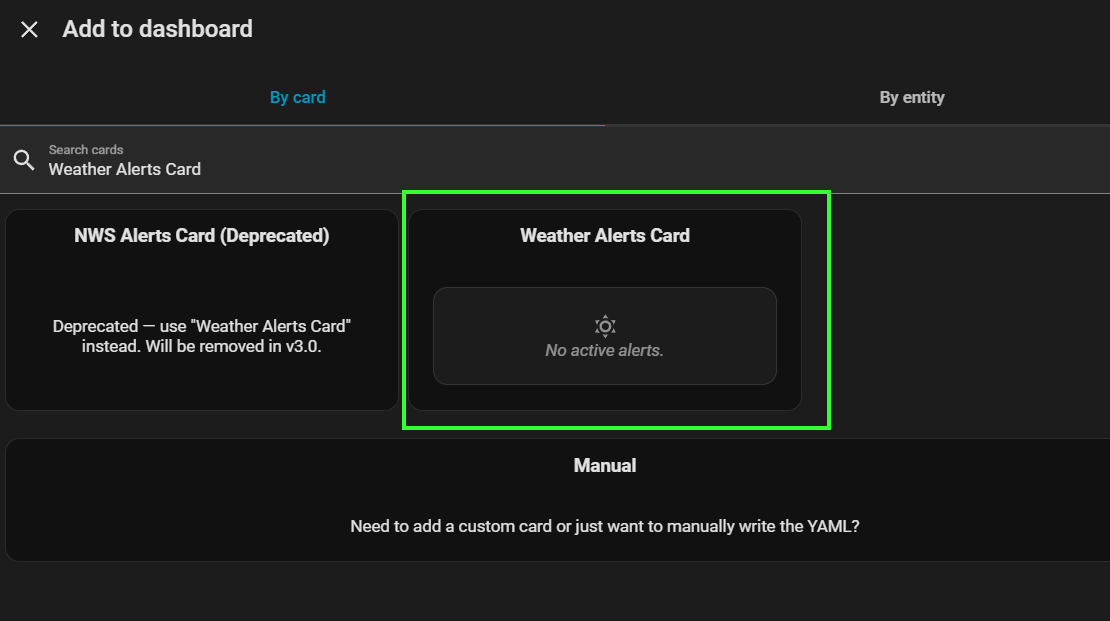
Once installed, add it to your dashboard by choosing the Weather Alerts Card in the "Add to dashboard" dialog.
As I mentioned, this card requires a supported provider.
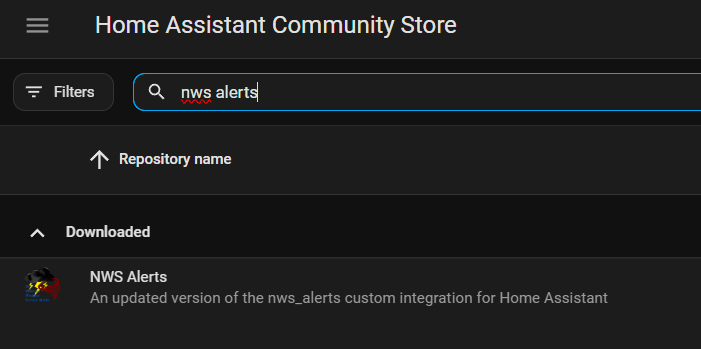
I am using NWS Alerts and this can easily be installed via HACS as with any HACS available item. Search for NWS Alerts and then download.
For this integration, you will need to add an integration in the integrations section of Home Assistant (Settings -> Devices and services -> Integrations). Once there, click the "Add integration" button.
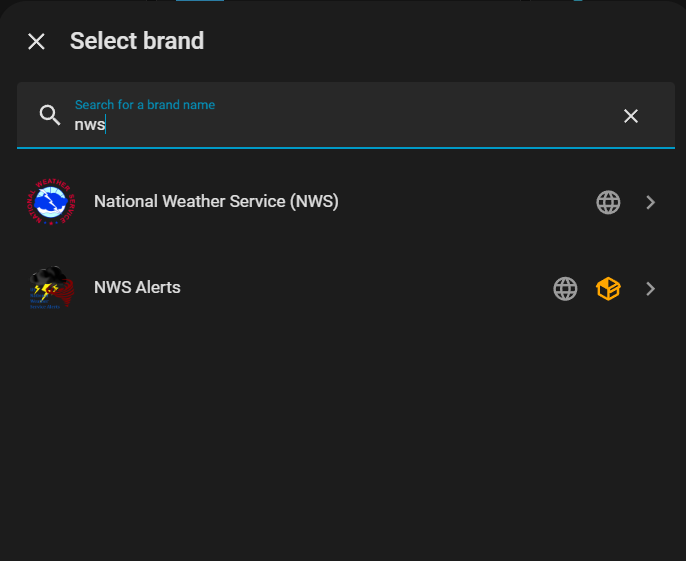
In the pop-up, search for "nws" and choose "NWS Alerts" (not National Weather Service as that is something different).
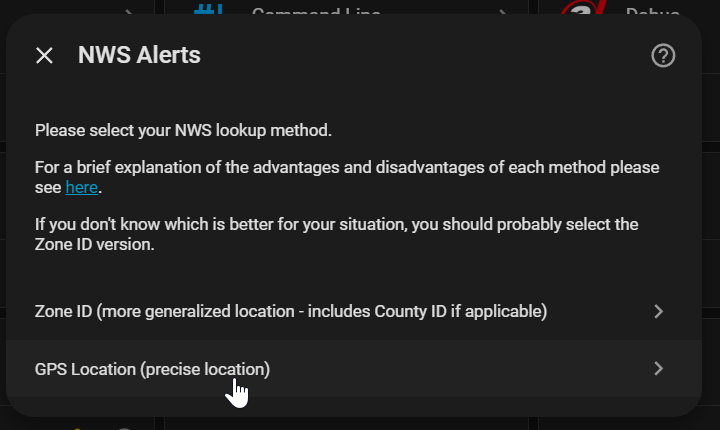
The next step is to choose either Zone ID or GPS Location. Details of each method is listed here with Zone ID as the recommended method .
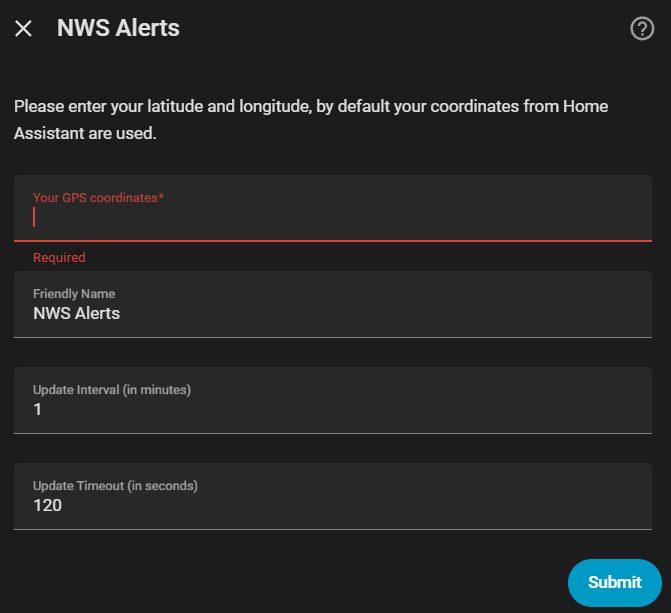
Once you choose a method, you can then add a name, update interval, and update timeout.
The combination of NWS Alerts (or your local area supported provider) and the Weather Alerts Card is the perfect solution for displaying weather alerts on your dashboard. Give the card a try!